Sign In to max66 and Start Exploring
Enter your credentials below to reach your max66 account — live tables, slot rooms, and the sportsbook are all one tap away once you're signed in.
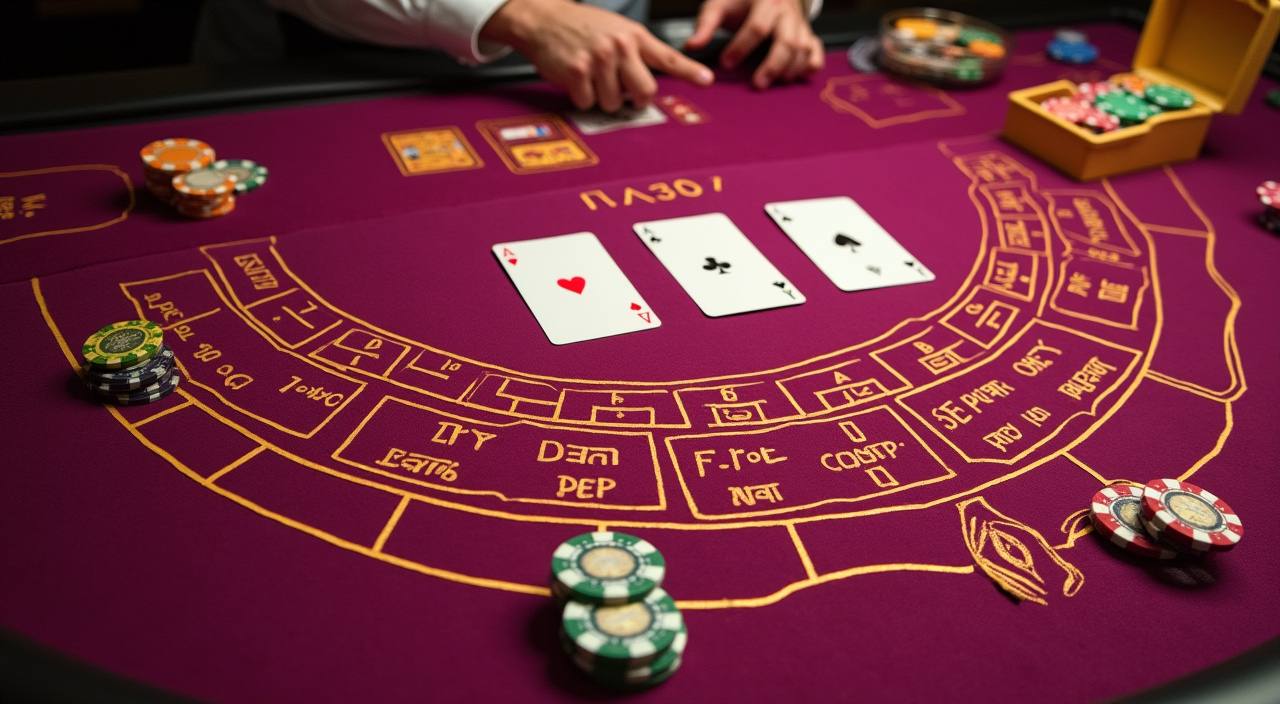
What Happens When You Log In
When you sign in to max66, the platform loads your personal lobby view — your preferred tables, saved payment methods, and active promotions appear in one place. New accounts go through a quick identity check before the first withdrawal is processed; this keeps your funds secure and your account in good standing. If you're signing
in for the first time on a new device, you may receive a one-time verification step via email or SMS. Once that clears, full lobby access is restored immediately.
-
Fast Verified Sign-Up Creating your account takes under two minutes. Submit your details, confirm your email, and your account is active — no waiting, no paper forms, no delays before you reach the lobby.
-
Encrypted and Secure Every login session runs over TLS encryption. Your password is hashed and never stored in plain text, so your account credentials stay protected whether you sign in on mobile or desktop.
-
Instant Lobby Access After a successful sign-in, you land directly in the lobby. Speed Baccarat, Aviator, and slot rooms like Wild Safari are a single click away — no redirect loops, no loading screens between sections.
-
24/7 Account Help If you're locked out or need to reset your password, our support team is available around the clock via live chat and email to get your account access restored without unnecessary delays.
Your details are protected with encrypted, secure access.
Local Payment Methods for Indian Accounts
Funding your max66 account and withdrawing your earnings works through Indian payment rails you already use every day.
Account Support Channels Available Around the Clock
Login issues, forgotten passwords, and account verification queries are handled by a dedicated support team.
How max66 Keeps Your Account Protected
Your account security is built on multiple layers: encrypted connections, identity verification at withdrawal, and data protection practices that limit what is stored and who can access it.
TLS Encryption on Every Session
All data exchanged during sign-in — your email, password hash, and session token — travels over TLS. This prevents interception on public Wi-Fi and keeps your credentials safe from third parties at all times.
Identity Verification at Withdrawal
Before your first withdrawal clears, max66 asks you to confirm your identity with a government-issued ID. This step protects your account from unauthorised withdrawal requests and keeps your balance secure.
Two-Factor Login Option
You can enable a second sign-in step via SMS or email OTP. When this is active, nobody can access your account with just your password — even if it were ever exposed in a data incident elsewhere.
Session Timeout Controls
Your active session logs out automatically after a period of inactivity. This protects your account if you step away from a shared device without manually signing out — a small but meaningful safeguard.
Data Stored Minimally
We hold only the account data needed to run your profile and process payments. Payment card details are never stored on our servers; UPI and Paytm transactions route through their own secure environments.
Access Tied to Local Law
Account access at max66 depends on your local jurisdiction. Where local law permits use of the platform, your account is fully functional. We do not allow access from regions where such services are not permitted.
Common Questions About Signing In to max66
The answers below cover the situations we hear about most — from first-time sign-ins to locked accounts and payment method linking. If your question isn't here, live chat can resolve it quickly.